
Tinkerlands Codes & Promos
Redeem official gift codes in Options, catch free weekends and sales, and ignore phishing lists.
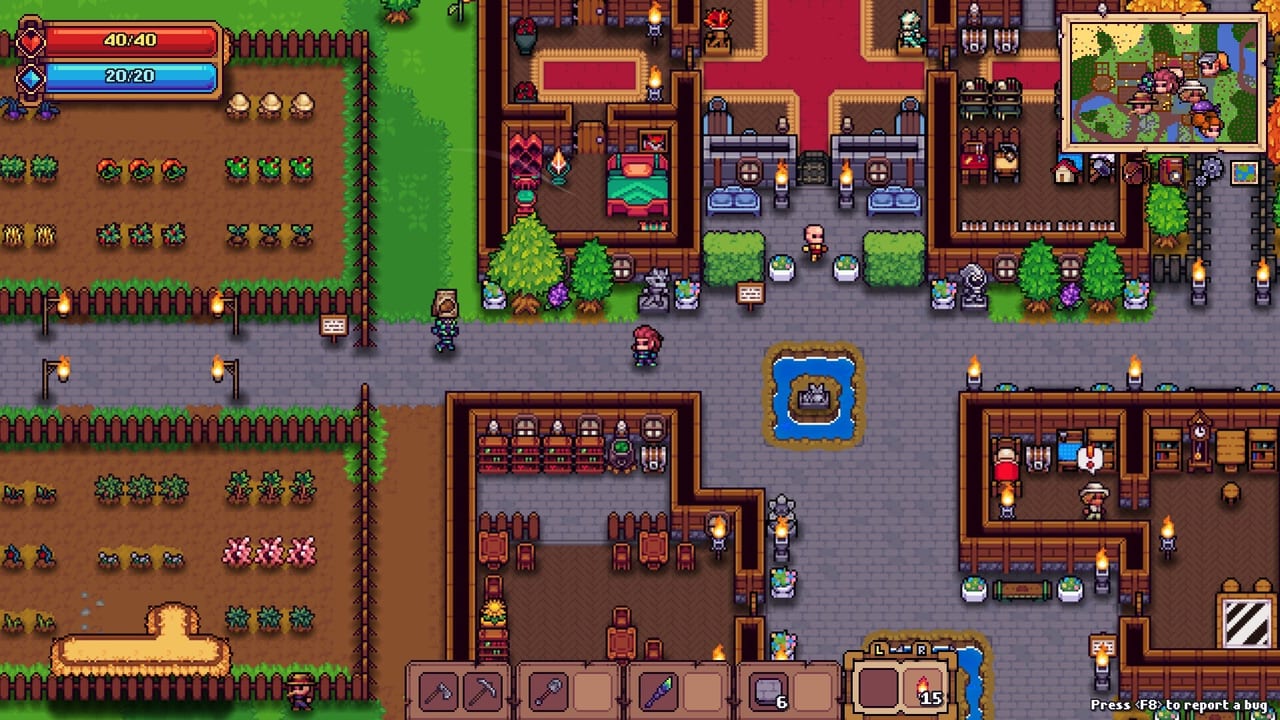
Looking for Tinkerlands codes? Good news: the game does include an official redeem system. Open Options (ESC), tap the gift / present icon in the bottom-right of that menu, and enter a code. Each code redeems once per character. Official strings come from Steam news posts by CodeManu and Endless Coffee (publisher HypeTrain Digital)—not from random “working codes 2026” blogs.
Tinkerlands is a Steam Early Access survival adventure (app 2617700, launched May 23, 2025) with online co-op for up to four players. Gift codes are a bonus layer on top of crafting, bosses, and sailing—not a replacement for learning Getting Started fundamentals or watching the Updates Hub when a milestone lands.
How to redeem a gift code (step by step)
- Launch Tinkerlands and load (or create) the character that should receive the reward.
- Press ESC and open Options.
- Look at the bottom-right of the Options UI for the gift / present icon.
- Click it, type the code carefully (case as published), and confirm.
- Check inventory / mail-style delivery for items such as Recast Tokens, cosmetics, or Special Gift consumables.
Codes are per character. A second character on the same Steam account must redeem again if the team still allows that string. If a code fails, it may be expired, mistyped, already used on that character, or tied to an older branch note—see the MAGICISINTHEAIR caveat below.
Working official codes (from Steam news)
Always prefer the original Steam announcement. Rewards below are approximate community / news summaries and can change if the studio adjusts drops.
| Code | Approx. rewards | Context |
|---|---|---|
| XMAS2026 | Coal×30, Santa Hat, Recast Token×1, Santa Suit, Santa Pants | Christmas 2025 Steam news |
| MAGICISINTHEAIR | Rune Fragments×25 | v0.3.0.1 news (originally noted for unstable branch; community reports it working on stable) |
| DELAYEDIKNEWIT | Recast Token×5, Heart of Stone×1 | November 2025 Devlog |
| ALWAYSLATE | Special Gift×1 (usable item; opens a Special Gift path that can include a +100 Max HP style reward) | ~April 2026 Steam news / March 2026 Devlog gift |
Redeem what still works on your build, then move on. Cosmetics and tokens are nice; boss weapons and ship upgrades still decide whether you clear Survivor content.
Expiration, one-per-character, and phishing warnings
- Codes may expire without a long public countdown. If a string fails months later, assume retirement until a new Steam post revives it.
- One redeem per character is the safe rule of thumb—do not expect infinite farm loops from the same gift.
- Ignore phishing third-party lists that demand Discord logins, “verify Steam” redirects, or paid “code generators.” Official codes appear in Steam news (and sometimes social posts that mirror those news items).
- This wiki will not invent fake weekly drops. When the studio publishes a new string, update from Steam first, then this hub.
Free weekend and sale windows (not codes, still “free value”)
Players searching “Tinkerlands codes” also want free playtime and discounts. The clearest recent window: November 27–30, 2026, a global free weekend / playtest for the full game plus Seas of Fortune content ahead of the targeted December 1, 2026 launch. Steam also highlighted about a 35% sale through December 10, 2026.
How to catch the next promo:
- Follow and wishlist the Steam store page.
- Enable Steam emails for followed games.
- Watch the Updates Hub and the Seas of Fortune deep dive when a milestone nears.
- Install promptly during free weekends—windows are short.
- Spend free time on onboarding and ship practice, not only cosmetics tourism.
Supporter Pack DLC
Optional Supporter Pack DLC funds development and adds extras through normal Steam checkout on app 2617700. It is not unlocked by typing a wiki code. Confirm current contents on the Steam DLC section before buying; Early Access packs can expand. In co-op, cosmetics stay personal while shared world progress still comes from exploration and crafting.
What to do after redeeming
Spend the energy code hunters usually burn on permanent power:
- Onboarding — Getting Started for Beach → Working Table → Carpenter pacing.
- Build planning — Tier List Hub when new gear or Recast Tokens change your craft path.
- Patch awareness — Updates Hub and Seas of Fortune for ships, islands, and the Musician class wave.
Gift codes are a thank-you from the team. Treat them that way: redeem on the character you actually play, back up important worlds before big updates, and keep phishing sites out of your Steam login flow.
Frequently Asked Questions
Quick answers to the most common Tinkerlands questions.
Are there working Tinkerlands redeem codes?
Yes. Official gift codes exist and redeem in Options via the gift/present icon (bottom-right). Examples from Steam news include XMAS2026, MAGICISINTHEAIR, DELAYEDIKNEWIT, and ALWAYSLATE. Codes redeem once per character and may expire.
How do I redeem a Tinkerlands gift code?
Load your character, press ESC, open Options, click the gift/present icon in the bottom-right, enter the code, and confirm. Rewards go to that character.
How can I play Tinkerlands for free sometimes?
Watch for Steam free weekends and official playtests—such as the November 27–30, 2026 window tied to Seas of Fortune—announced on the Steam store page.
Where do sales discounts come from?
From Steam pricing events and publisher promotions (for example, roughly 35% off through December 10, 2026 around Seas of Fortune), not from fake third-party generators.
Should I trust random code list websites?
No. Stick to Steam news and official social posts. Ignore phishing pages that ask for logins, downloads, or payment to “unlock” codes.